Jolt, the Java framework for desktop apps with web UIs.
A framework in plain Java: open a native window, load a web page, and talk to it from Java. Your code and your page run in one process, with no HTTP server in between. No Electron, no JNI, nothing native to compile.
Plain HTML, CSS and JavaScript, or React, Vue, Svelte and htmx. Hot reload from your dev server.
window.jolt (injected into every page)
Opens the native window on the web view your OS already has, serves your files, routes requests and enforces the SecurityPolicy.
WebWindow · Router · SecurityPolicy
Files, databases, native libraries and long-running work: everything a page may not do.
onMessage · Application.notify · dialogs()
Everything a desktop app needs, nothing it doesn't.
Java does what a page may not: files, databases, native libraries, long-running work. The page draws the interface.
Tiny
No bundled browser. Jolt uses WebView2 on Windows and WebKitGTK on Linux, so a packaged app with its own Java runtime is about 32 MB.
No native build step
Built on Java 25's Foreign Function & Memory API. The only binary shipped is Microsoft's WebView2Loader.dll.
Any frontend
Plain HTML, React, Vue, Svelte, htmx. Anything a browser can show, with hot reload from your dev server.
Router and requests
Serve files from the jar and answer fetch, forms and htmx requests from Java, in-process and without a socket.
Real desktop features
File dialogs, notifications, tray icon, pop-out windows, frameless windows, close to tray, autostart.
Secure by default
Only your own pages can reach your Java code. A SecurityPolicy decides which origins are trusted.
A native window and a page, in a few lines.
The page sends a message, Java answers, and the page shows the reply. That is a complete Jolt app.
Application app = Application.create(AppOptions.of("com.example.notes"));
try {
    app.run(() -> {
        WebWindow window = app.createWindow(
                WindowOptions.defaults().withTitle("Notes").withSize(900, 600));
        window.onMessage(text -> window.postMessage("Java received: " + text));
        window.loadResources(AppResources.classpath("ui"));
    });
} finally {
    app.close();
}
<button id="go">Say hi</button>
<p id="out"></p>
<script>
go.onclick = () => jolt.postMessage("hi");
jolt.onMessage(m => out.textContent = m);
</script>Messages are plain strings, and window.jolt is injected into every page. Getting started
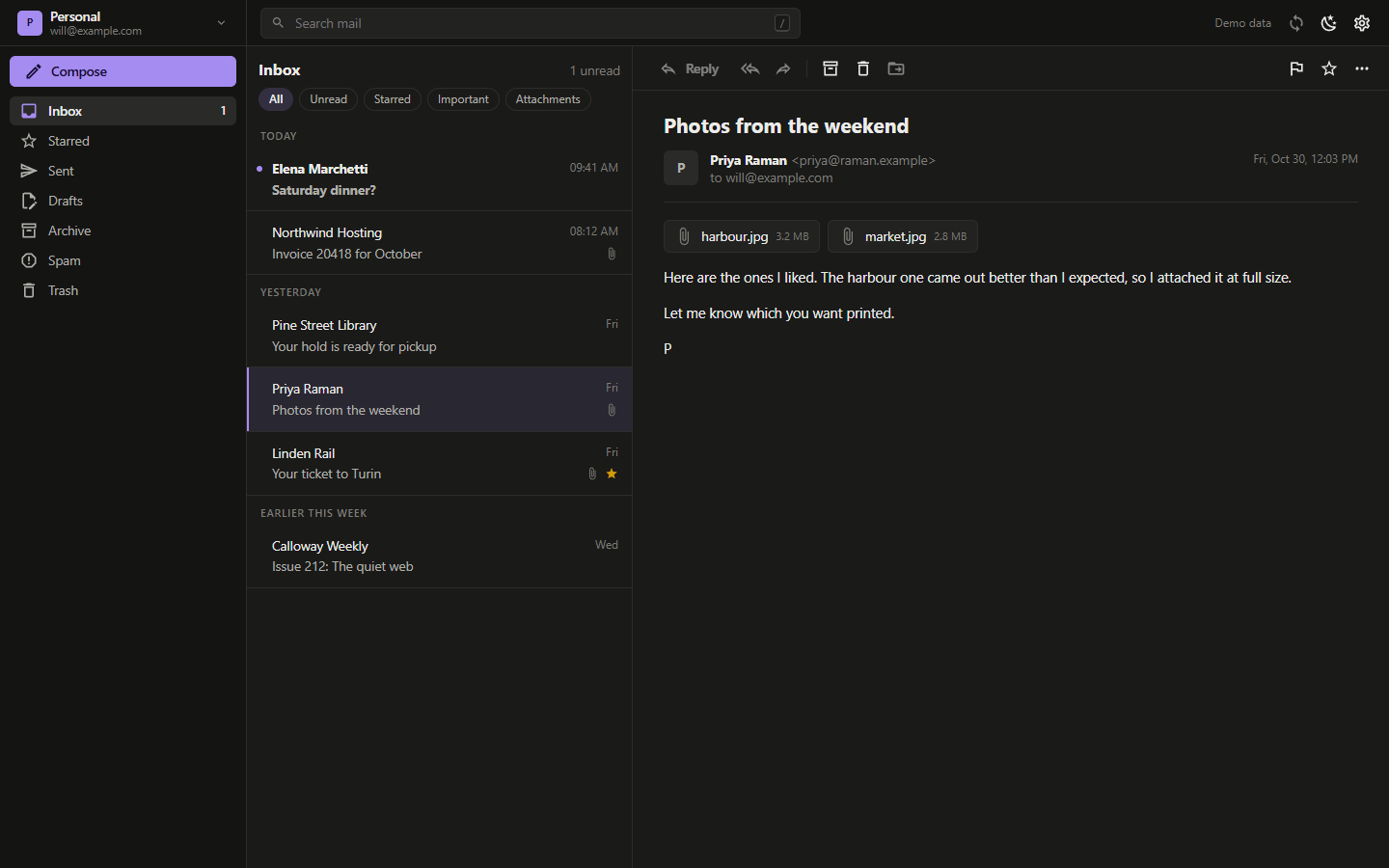
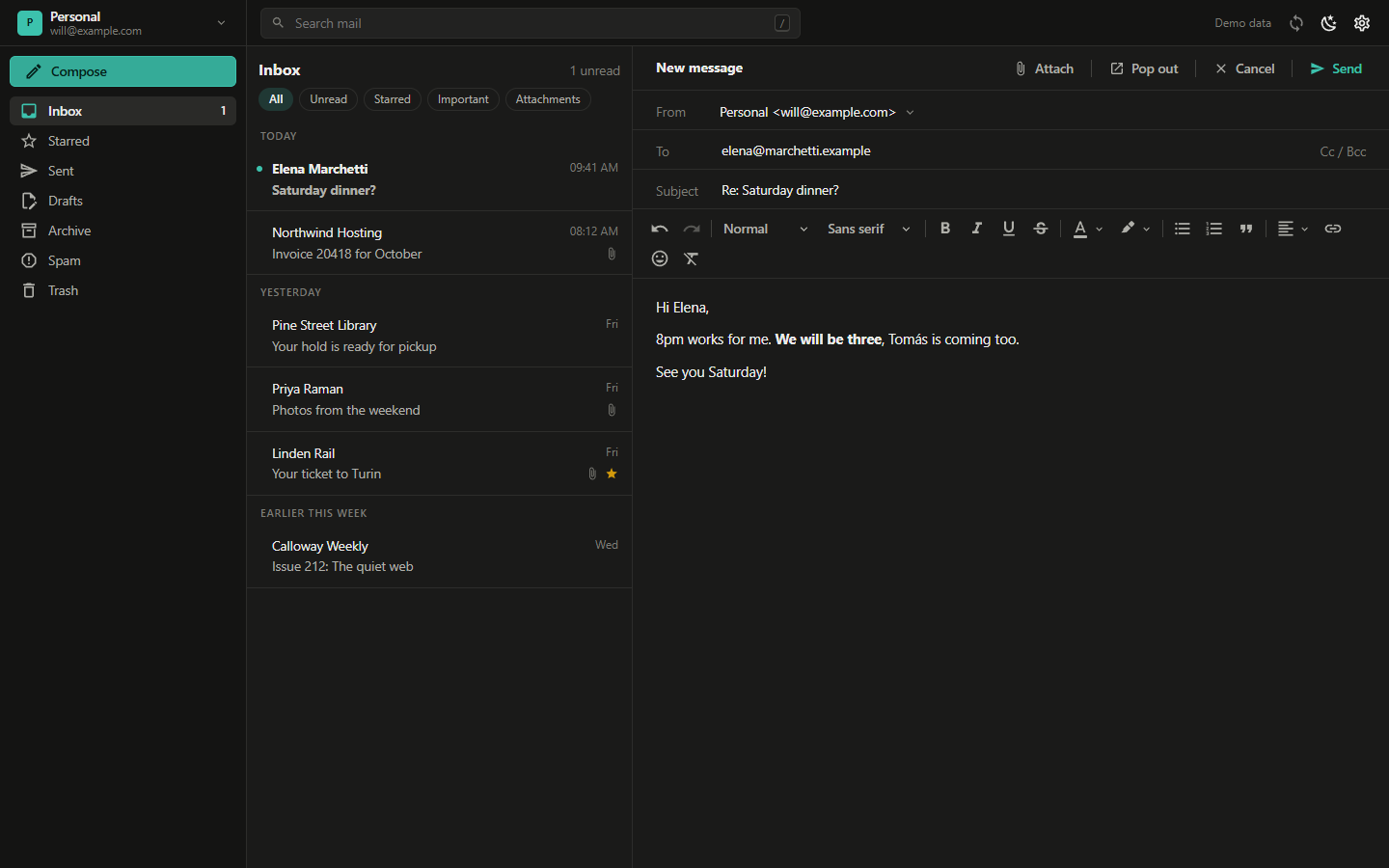
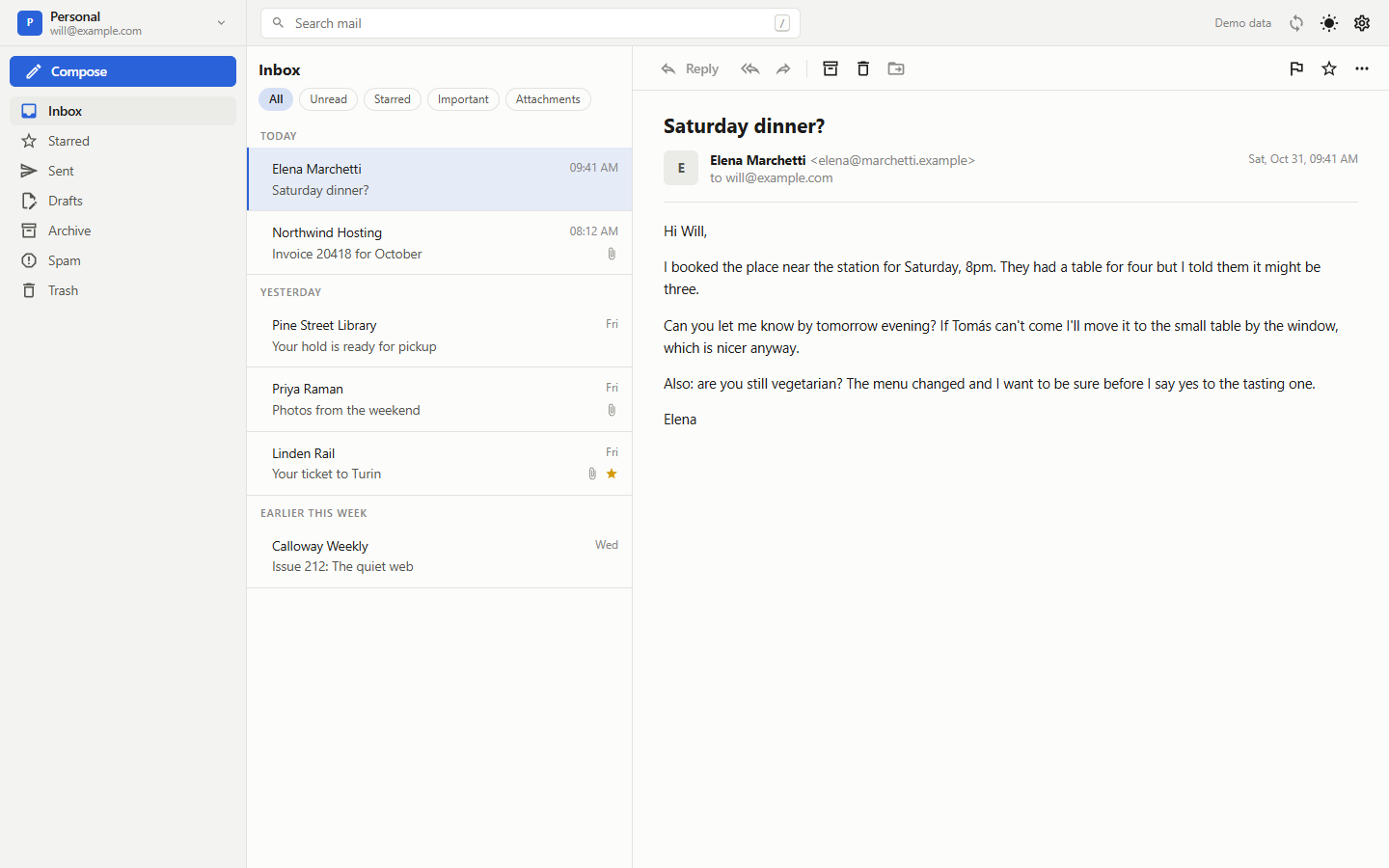
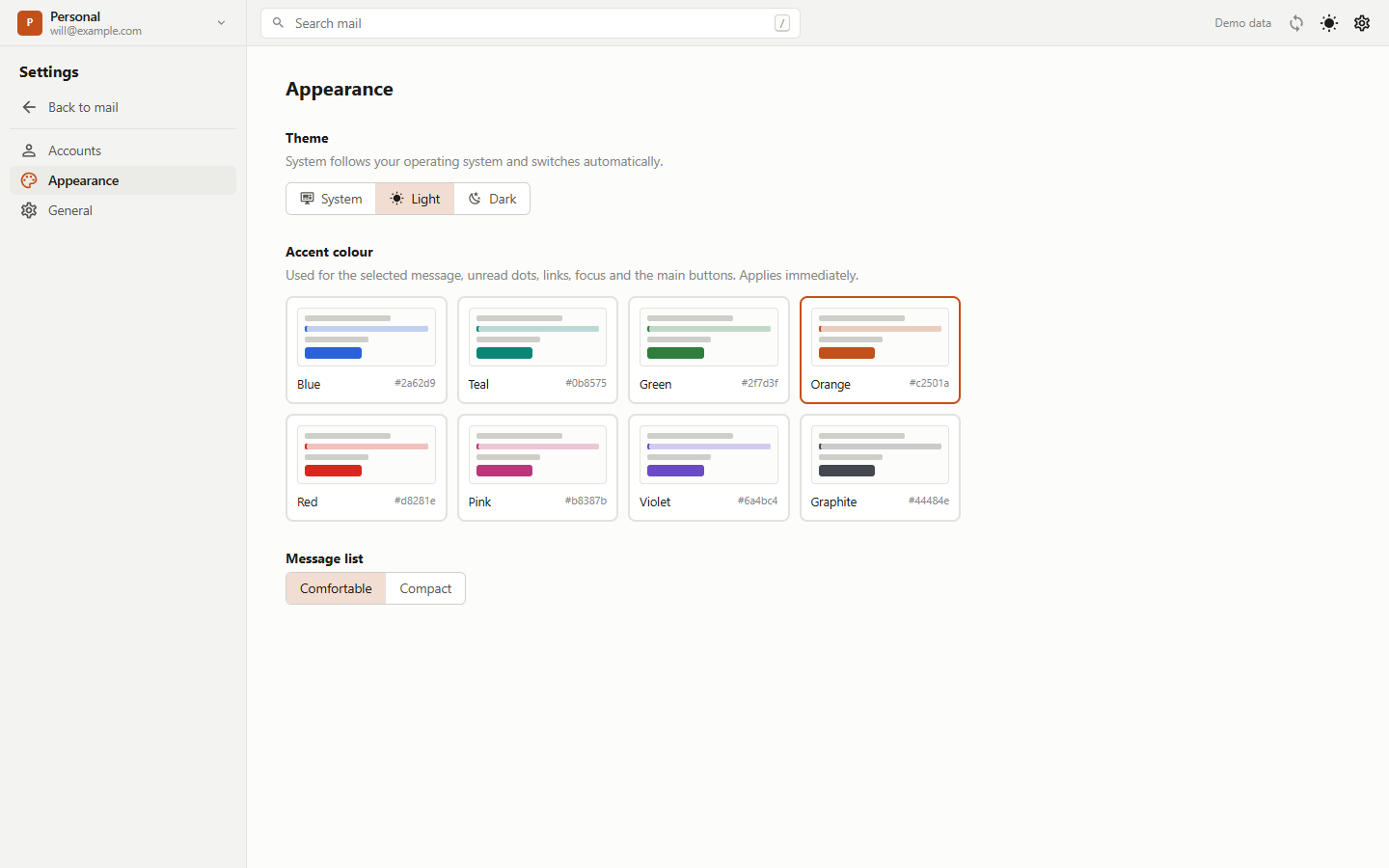
Parsel, a full desktop mail client.
IMAP and SMTP, a Vue interface, a SQLite cache, system keystore, notifications, tray and pop-out windows. All of it on Jolt, in a 33 MB installer.
Where Jolt fits.
| Feature | Jolt | Electron | Tauri | Wails | JavaFX WebView |
|---|---|---|---|---|---|
| Backend language | Java | JavaScript | Rust | Go | Java |
| Ships its own browser | No | Yes | No | No | Yes (a WebKit build inside JavaFX) |
| Native toolchain to build | None | None | Rust | Go | None |