Parsel, a desktop mail client built on Jolt.
Read and send mail over IMAP and SMTP from a native window on Windows and Linux. Java does the mail, a Vue page draws the interface, and both run in one process.
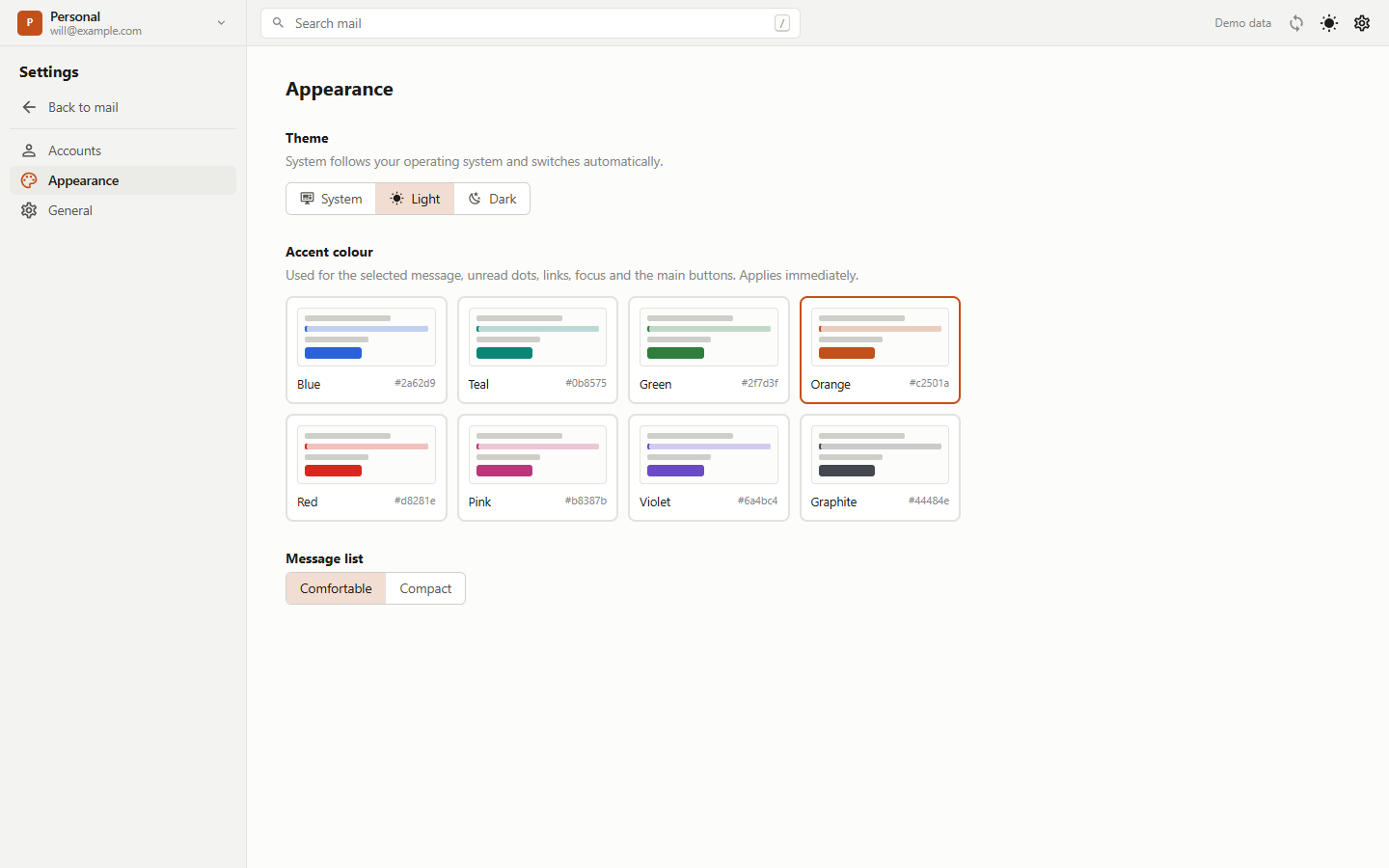
Light, dark and eight accent colors.
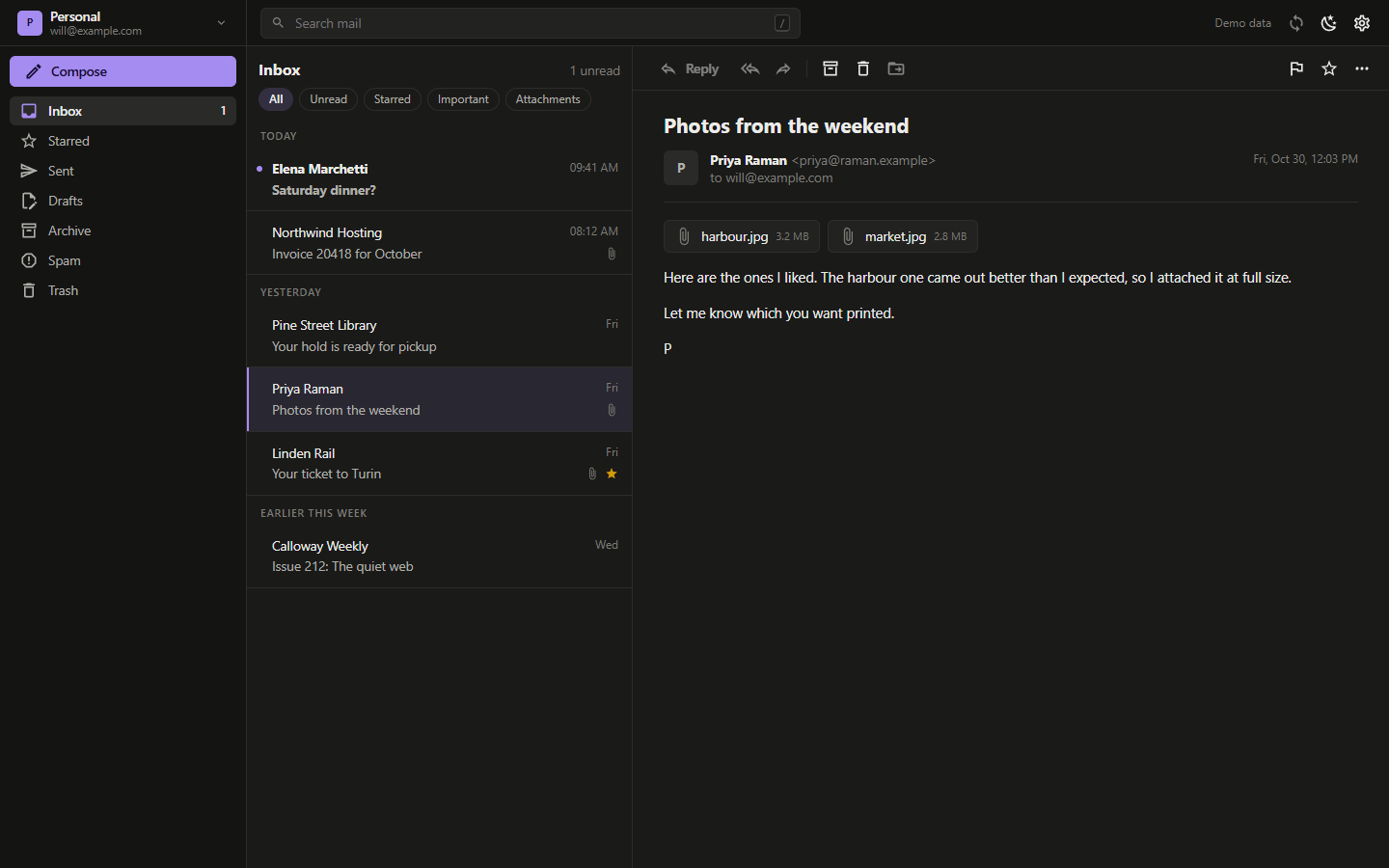
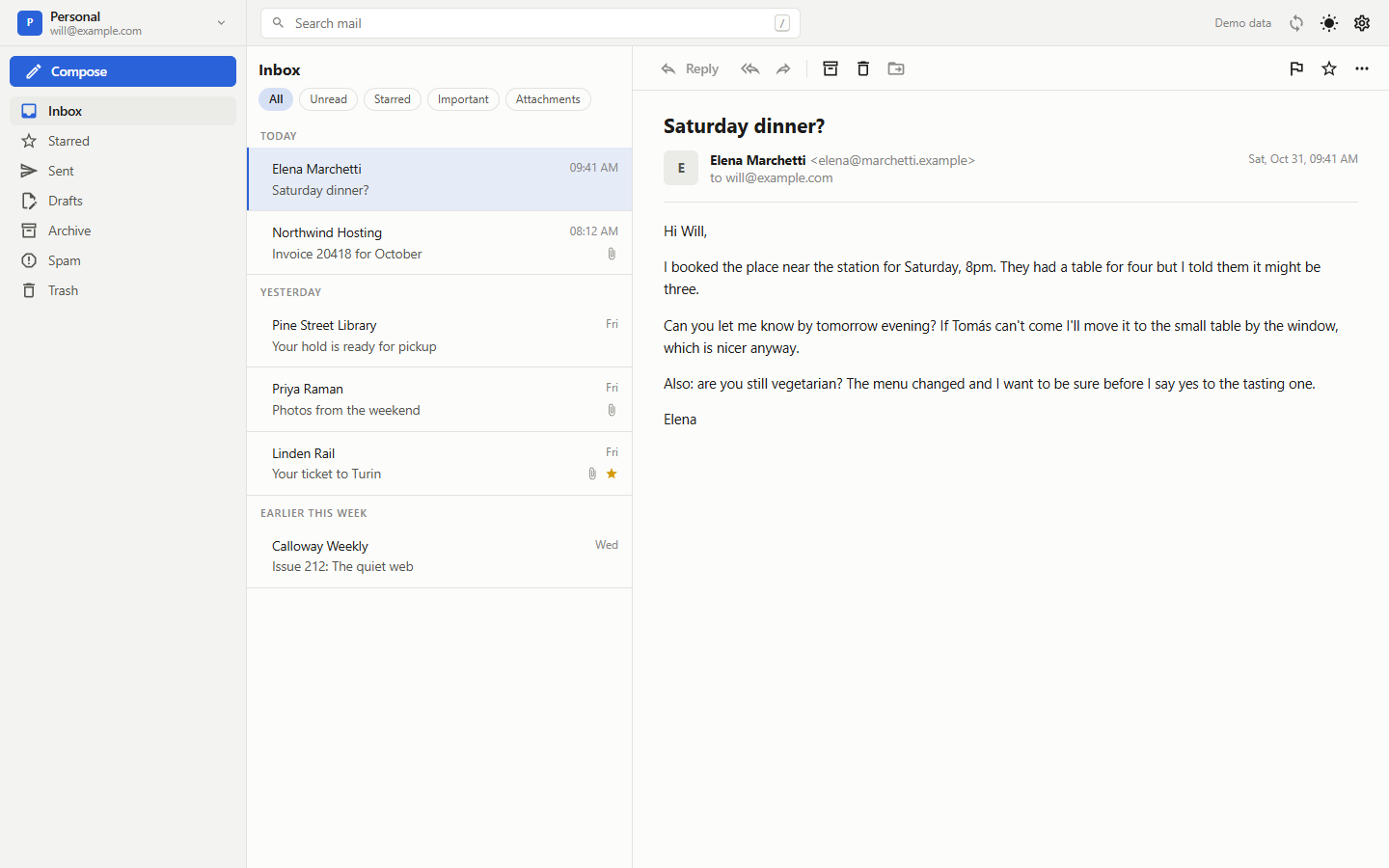
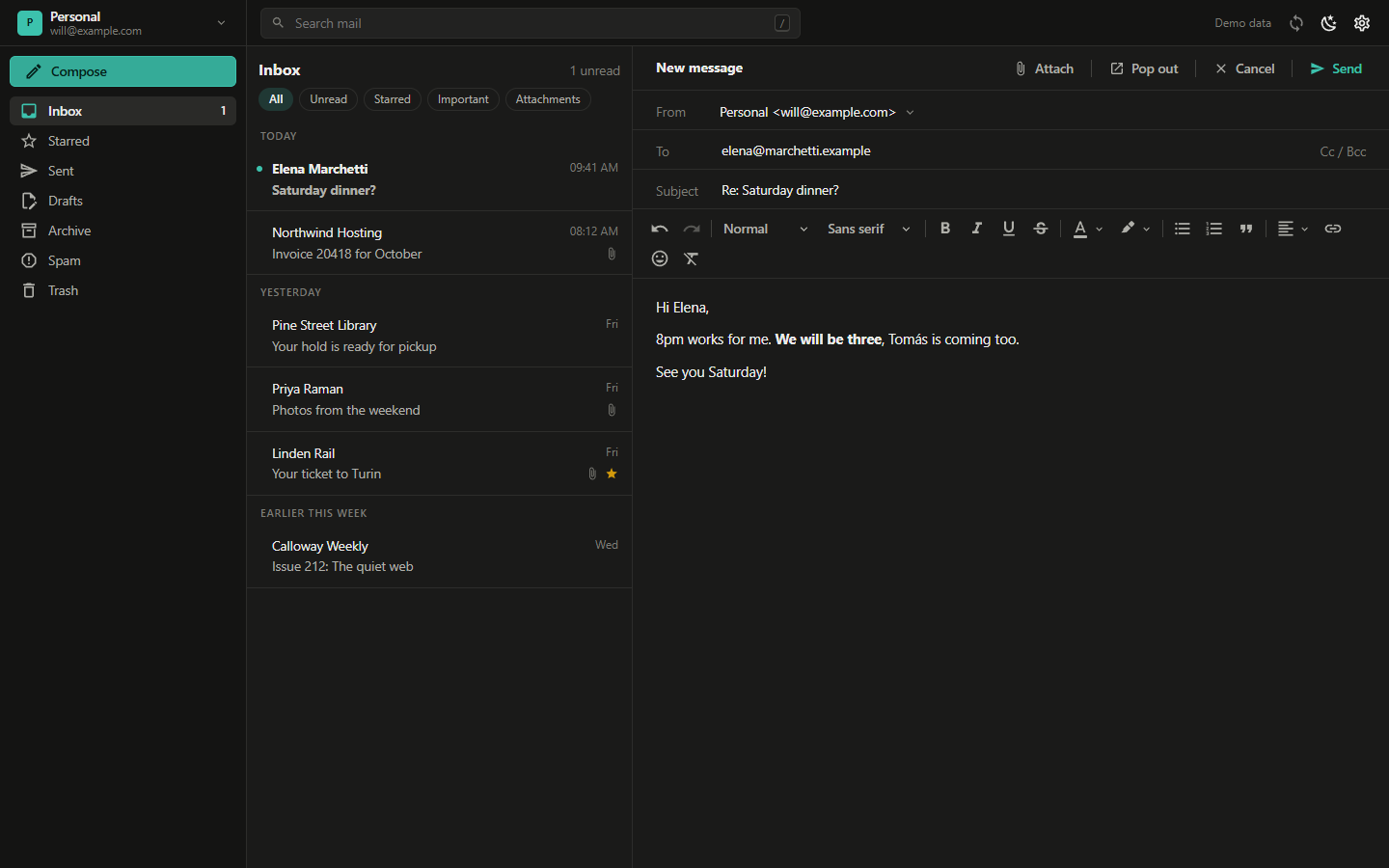
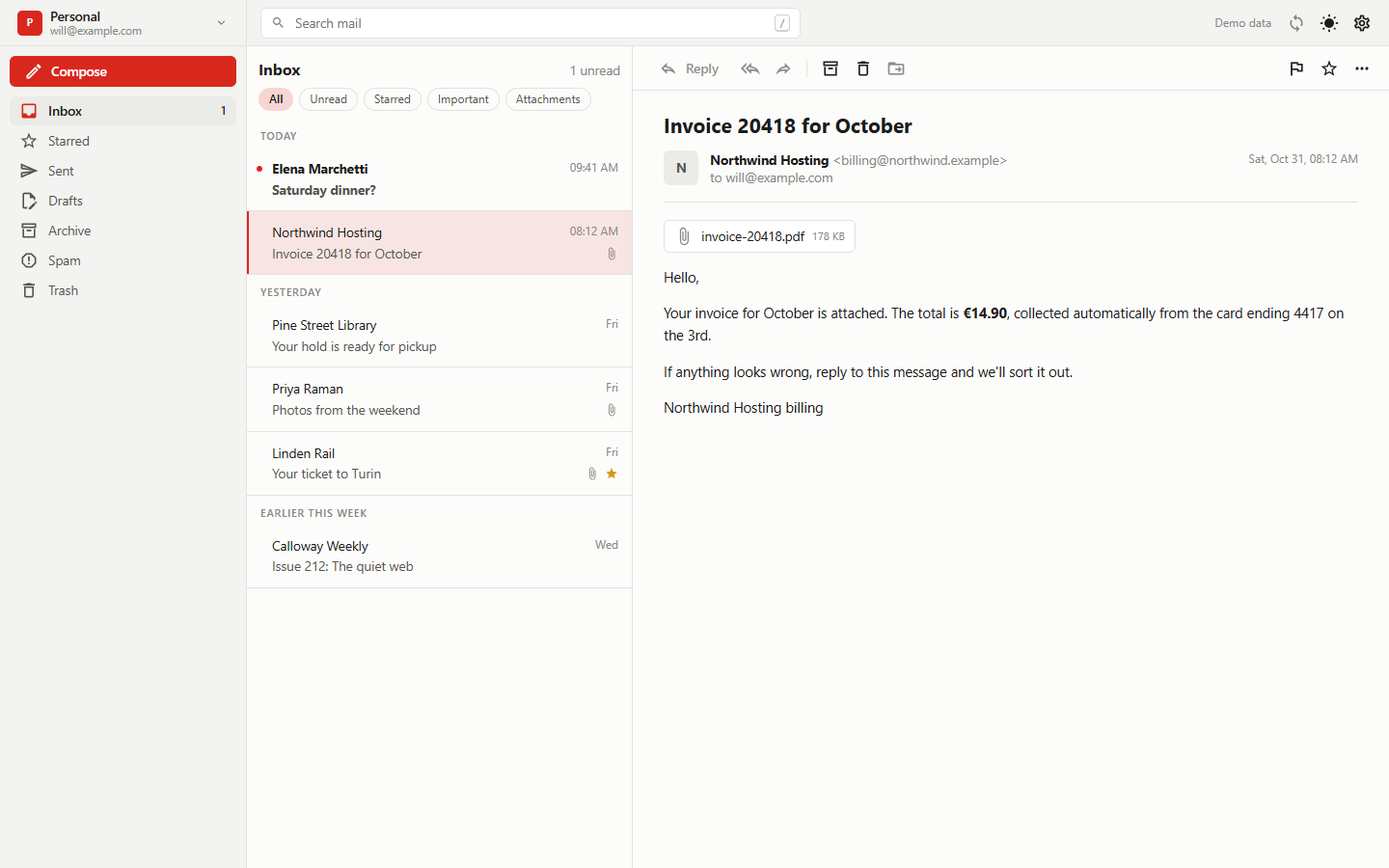
Parsel follows your system theme and lets you pick the accent you like. Flip through a few of the combinations.
A real mail client, not a demo.
Looks like an app
Flat surfaces, three panes, light and dark themes that follow your system, and eight accent colors.
Fast
The window reads from a local SQLite cache and the sync runs behind it. Archiving or deleting disappears from the list at once.
Careful with mail
Messages are cleaned and shown in a sandboxed frame with no scripts. Remote images and trackers stay blocked until you load them.
Careful with passwords
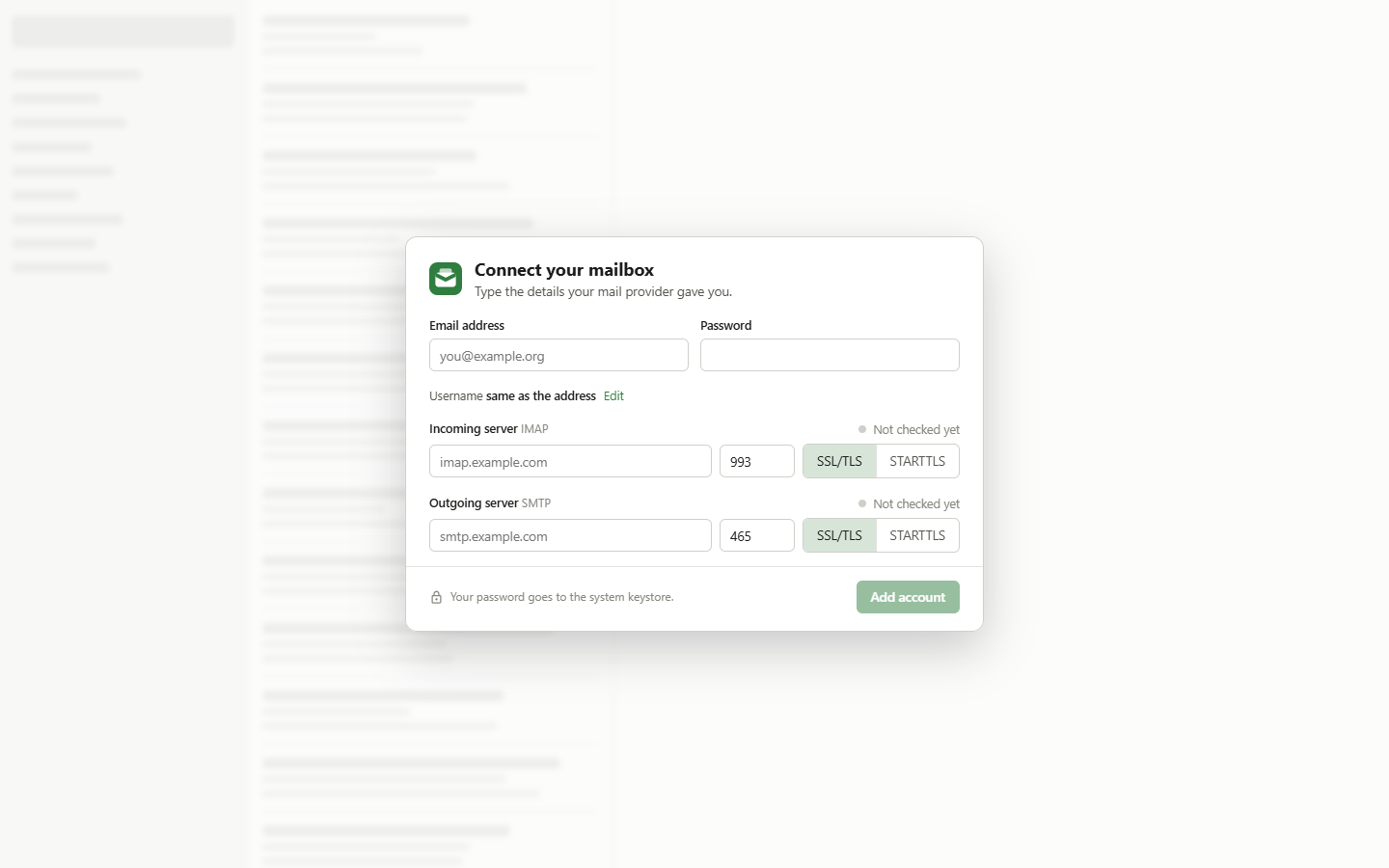
Passwords go to the system keystore, never to a file: Windows Credential Manager or the Linux Secret Service.
Write and organise
Rich text editor, Reply, Reply all and Forward with proper threading, attachments up to 25 MB, your own folders, and keyboard shortcuts.
Stays out of the way
Notifications for new mail, a tray icon with close to tray, windows that pop out, and a refresh interval you choose.
Which Jolt feature powers which part of Parsel.
Parsel shaped Jolt as much as Jolt shaped Parsel: file dialogs, the keystore, notifications, the tray and close to tray all came from what a real mail client needs. The patterns below are available to your app too.
Attachments through native dialogs
Attachments are saved straight from the server through the system save dialog. The page asks, Java shows the dialog, and the page never learns a path.
window.dialogs().saveFile(FileDialogOptions.defaults().withFileName(attachment.name()))
        .thenAccept(chosen -> chosen.ifPresent(path -> writeAttachment(attachment, path)));
New-mail notifications
A toast when new mail arrives, skipped while the window is the one in front.
if (!window.isFocused()) {
    app.notify(Notification.of(sender, subject).withOnClick(window::focus));
}
Messages in their own window
Open a message, or pop out the one you are writing, in a window of its own. Asking again for the same key brings the existing window forward.
const opened = await jolt.openWindow("/message/42", { key: "message-42", title: "Re: lunch" });Tray icon and close to tray
Parsel keeps checking mail with the window closed, and the tray icon brings it back.
if (app.isTraySupported()) {
    Tray tray = app.createTray(iconBytes, "Parsel");
    tray.onClick(main::focus);
}
main.setCloseBehavior(CloseBehavior.HIDE);
Passwords in the OS keystore
Windows Credential Manager or the Linux Secret Service. Never a file.
CredentialStore store = CredentialStore.open("com.example.mail");
store.put("alice@example.com", password);
Optional<String> saved = store.get("alice@example.com");
A title bar drawn by the page
The page draws its own title bar and Jolt handles dragging, resizing and snapping.
<header data-jolt-drag>
  <span>Parsel</span>
  <button onclick="jolt.frame.minimize()">–</button>
  <button onclick="jolt.frame.close()">✕</button>
</header>One process, three layers.
Vue 3 page
- Folders, list, reader, composer
- Themes and accent colors
- Sandboxed message frame
Jolt bridge
Java core
- Router and request handlers
- IMAP and SMTP engine
- Background sync
local
Local storage
- SQLite message cache
- OS keystore for passwords
- Your own mail server
Install Parsel.
The installers carry their own Java runtime, so you do not need Java. Checksums are published next to each download.